
ZVUKRADIO
How to listen to and present internet radio
These guides help you find a station, troubleshoot playback and prepare your own programme. Each topic connects to the relevant service section and related questions. They distinguish real catalogue listening from demonstration features such as studio broadcasting, chat and calls.
Live video and invited guests
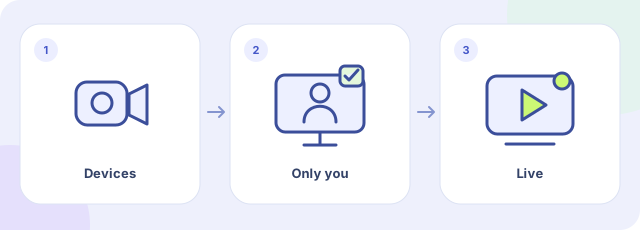
- Choose devices
- Check the private preview
- Start the video broadcast
Open My stations, your created station’s studio and the Management tab. In Live video, open Camera and microphone, select the devices and click Check camera and audio. Allow access in the browser and check the private preview. Viewers cannot see you during this check. Start video broadcast makes the video public on the station page. Use headphones and check the viewer’s page too. This control is for stations created on Zvukradio, not external streams added to the catalogue.