
ZVUKRADIO
Create a radio station and prepare a broadcast
An existing external stream and a station created on the platform use different workflows. Choose the relevant path and explore the tools. Real catalogue playback is connected; account, creation and studio actions remain demonstrations. Confirm current prices, limits and technical conditions before launching a working station.
Radio with presenter and guest video
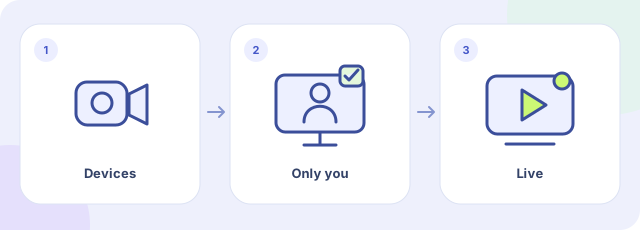
- Choose devices
- Check the private preview
- Start the video broadcast
Open My stations, your created station’s studio and the Management tab. In Live video, open Camera and microphone, select the devices and click Check camera and audio. Allow access in the browser and check the private preview. Viewers cannot see you during this check. Start video broadcast makes the video public on the station page. Use headphones and check the viewer’s page too. This control is for stations created on Zvukradio, not external streams added to the catalogue.