
ONLINE RADIO
Find your frequency.
Добавленные эфиры и радио пользователей.
Find your mood
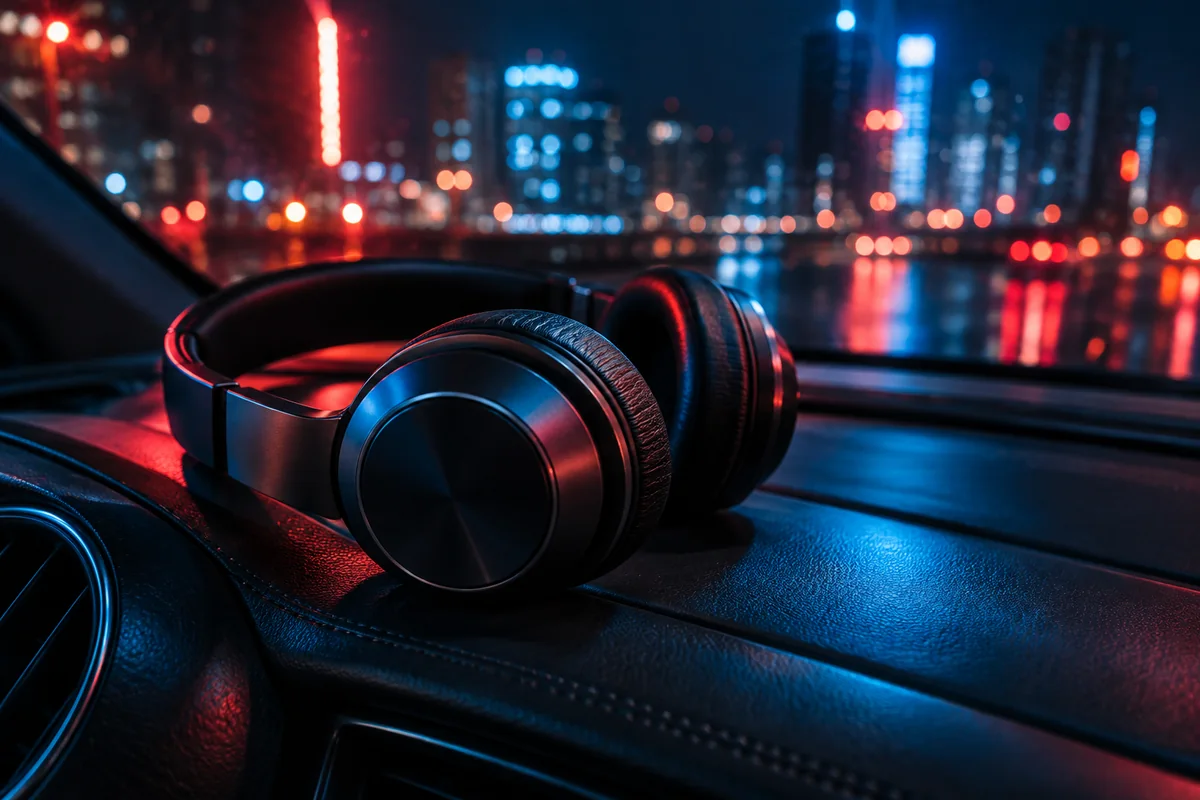
MUSIC FOR THE ROADThe city at your
rhythm.Find your station ↗
rhythm.Find your station ↗
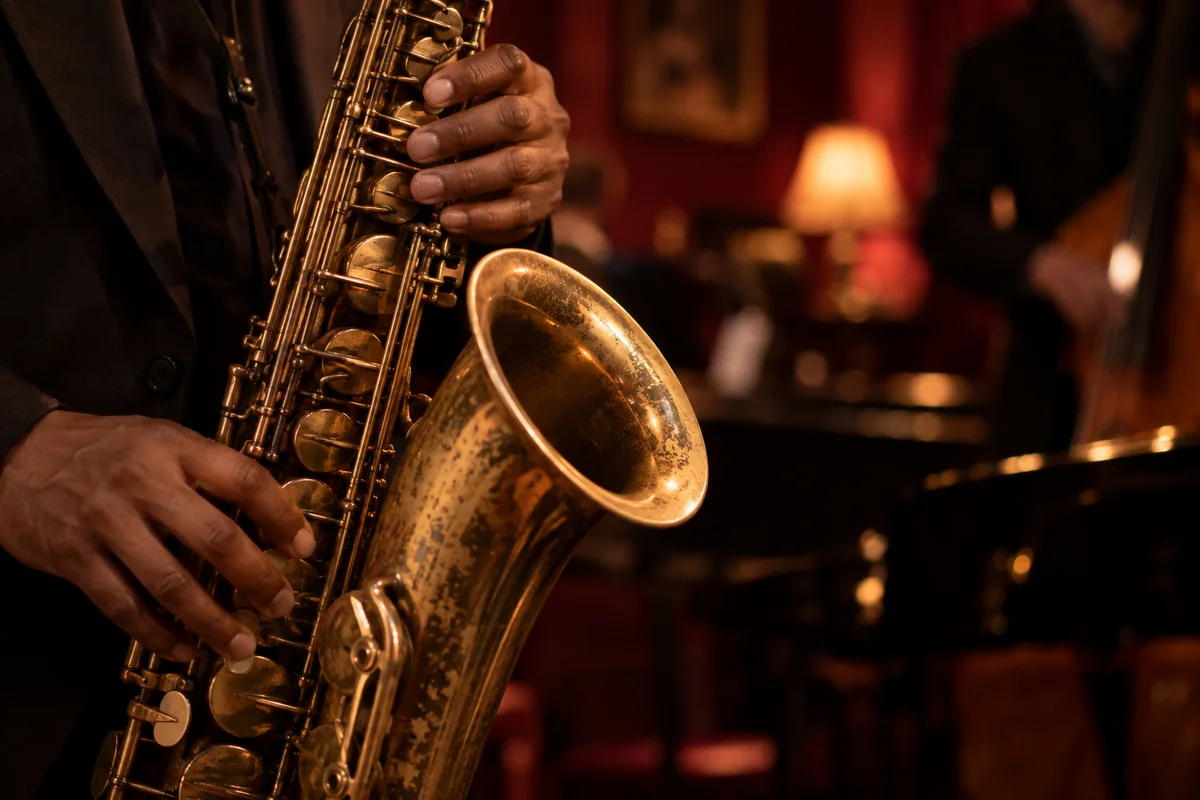
JAZZ AND IMPROVISATIONNo need to
rush.Play jazz ↗
rush.Play jazz ↗
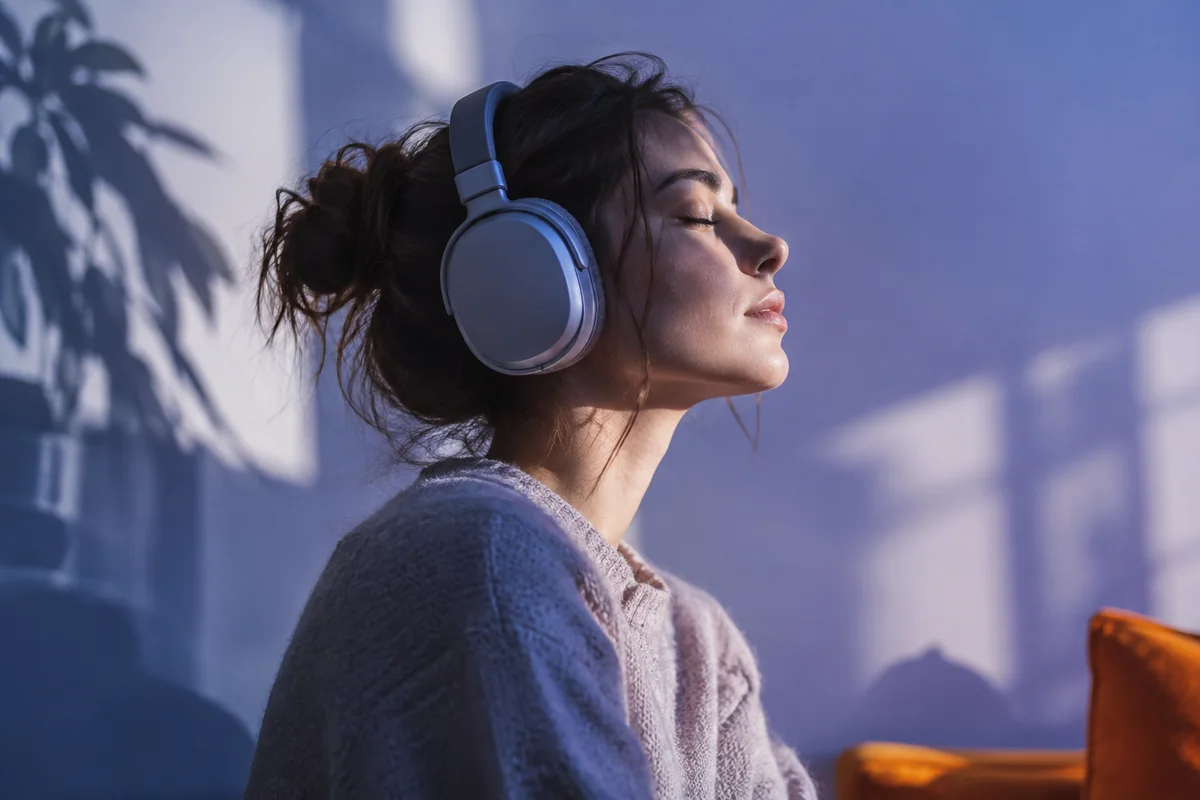
MUSIC TO UNWINDPause the world.
Keep the music.Find a relaxing station ↗
Keep the music.Find a relaxing station ↗
MUSIC FOR WORKFind
your focus.Choose a station ↗
your focus.Choose a station ↗
GOOD MORNINGA new day.
A new rhythm.Choose a station ↗
A new rhythm.Choose a station ↗
PARTY TIMETurn it up.
Bring friends closer.Choose a station ↗
Bring friends closer.Choose a station ↗
NONSTOP ROCKGuitars.
Attitude.Choose a station ↗
Attitude.Choose a station ↗
CLASSICAL MUSICTimeless.
On your radio.Choose a station ↗
On your radio.Choose a station ↗
ELECTRONIC MUSICTune in to
the future.Choose a station ↗
the future.Choose a station ↗
Loading catalogue…
Новое Радио
Pop
Радио Дача
Pop
Радио Калейдоскоп Шансон
Chanson
Ibiza BPM Radio
House
Radio Emotion
Retro
Радио МСМ
Pop
New
Pop
Весна FM
Pop
Восток FM
Pop
No stations found
Try different filters or a different search.
LIFE ON AIR
Radio news

Foo Fighters add a 1,250-capacity Melbourne concert
Foo Fighters have added a Melbourne show at Crown LIVE on November 16, 2026. Announced on October 5, Loud & Up Close will accommodate just 1,250 fans. It closes the Melbourne leg of the Take Cover itinerary, offering an unusually small sett

Springsteen, Morello and Jack Black join forces at Power to the People
Power to the People took place on October 3, 2026 at Merriweather Post Pavilion in Columbia, Maryland. Curator Tom Morello brought together Foo Fighters, Bruce Springsteen, Joan Baez, Public Enemy and other established performers. Reports p

BOTH SIDES OF RADIO
Listen. Connect.
Create your own.
Find your favorite station or become the one people tune in to every day. Everything you need to know about internet radio is here.
Listen to online radio
Start with a favorite genre, a familiar name or your mood. Open a station, explore its programming and save it to your favorites to find it again easily.
Choose and play a stationCreate your radio
Choose a format, design your page and prepare your first show. Learn how the studio, music library, presenting team and listener conversations fit together.
From idea to first broadcastFind your station
Internet radio goes beyond familiar names. Discover independent broadcasts, choose music by genre or find a show in your preferred language. Search if you know the name. To discover something new, start with genres or mood collections.
A steady musical backdrop can suit work, a livelier sound can accompany your journey, and a talk show may be just right for the evening. A station’s description helps you understand its format before you listen. Country and language narrow the choice, but your musical taste still matters: one country can have very different stations.
Two ways to broadcast
Zvukradio includes added stations with existing external streams and stations created by users on the service. Added stations already broadcast on another platform. Stations created here have a studio, media library, AutoDJ and a presenting team.
If you already have a station, start by adding its stream to the catalogue. If you have an idea but no station yet, read the guide to creating a radio station. It will help you choose a format, gather your material and prepare a test show.
Radio is about people
Station chat lets you discuss music and ask the presenter a question. Emoji and GIFs help you share your mood. Stations created on the service also offer song requests and requests to call the show. To join by voice, the presenter must enable calls and accept your request.
Want to take the microphone yourself? Learn about presenting a show and preparing your first broadcast. A clear topic, a prepared playlist and tested audio are a good start. You can grow your team and programming over time.
Radio FAQ
How do I listen on my phone?
Open the catalogue in your mobile browser, choose a station and press Play. Check the volume and any connected headphones. Background playback depends on your device and browser. Mobile listening guide →
Is creating a radio the same as adding a station?
No. Adding a station uses an existing external audio stream. Creating one gives you your own station with the service’s broadcasting tools. Compare the options →
What do I need for my first broadcast?
Prepare your show topic, music and a device for using the studio. For a talk show, check your microphone and headphones. Before going live, test the broadcast as a listener. Set up your audio →
Can I listen and broadcast in this version?
The catalog includes stations from Zvukradio and Radio Browser. Playback depends on the stream and browser. Manage your stations and broadcasts in your account.